
Check your whole website for broken links
Start from any page, follow internal links, read your sitemap, and get one list of what is broken — and which page it lives on.
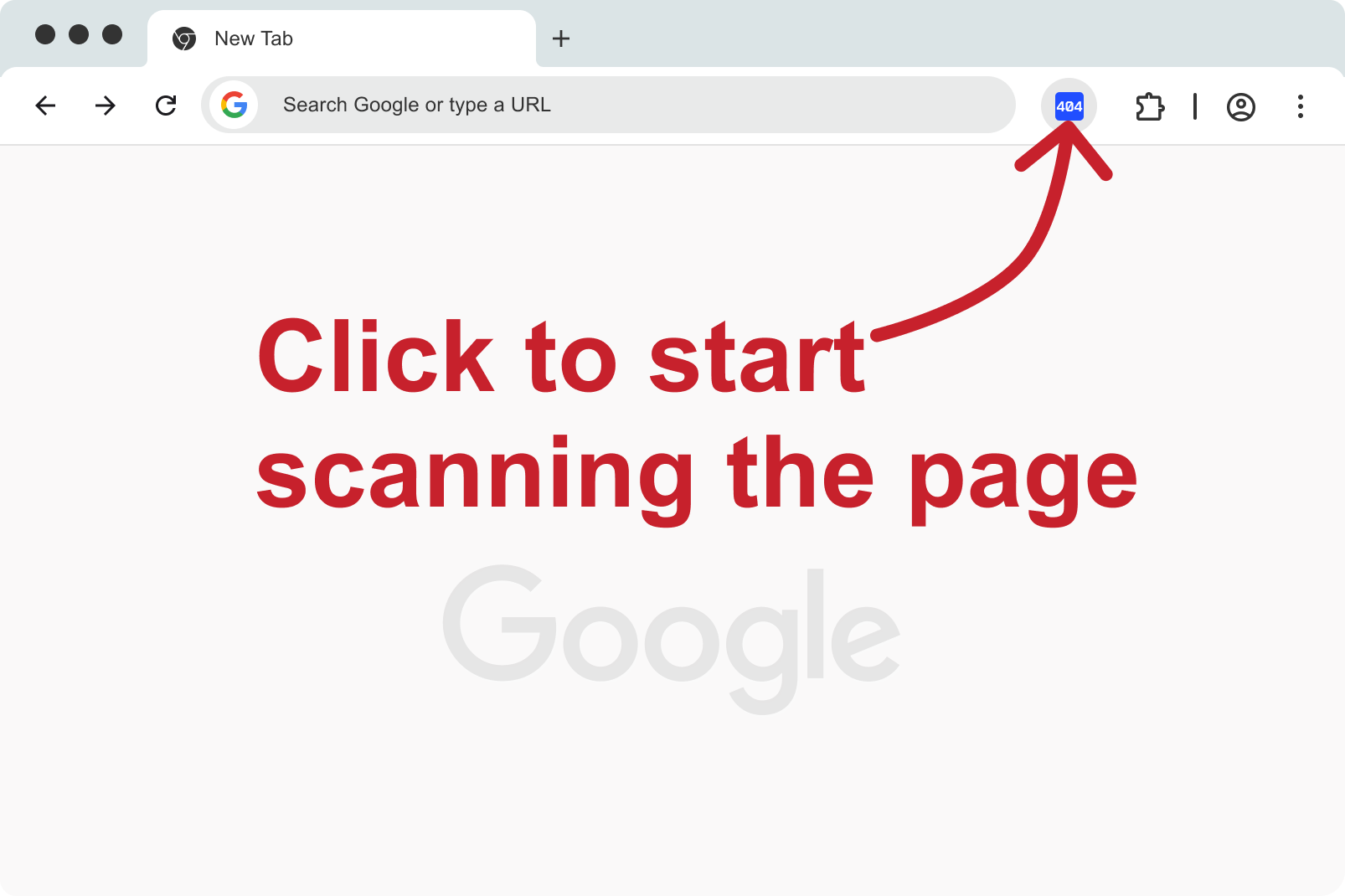
Every page you can discover
The crawl follows internal links and sitemap URLs. External links are tested; the crawler does not wander onto other sites.
Know where to fix it
Each broken URL is tied back to the page where it was found. Open that page and highlight the element.
Stop and continue
Pause a long crawl, keep what is already checked, resume later. History stays in the browser.
Export the mess
CSV with URL, status, and source page — for developers, editors, or a ticket.
Fast, without false alarms
On a 1,100+ page site, a full crawl took 6–9 minutes depending on the speed preset. A link the server temporarily rejects does not show up as broken until a retry confirms it actually is.
Why a whole-site pass beats clicking around
Broken links hide in last year’s blog posts, discontinued products, and footer links nobody owns. Checking the page you are editing is useful. It does not tell you about the other two hundred URLs.
Full-site crawl in Advanced Broken Links Search ships in the same extension. Today there is no extra product and no “3 checks then pay”.
What the scan does
It starts from the address you give it, walks internal links, and can use sitemap.xml and robots.txt. JavaScript-rendered pages are opened in the browser so those links are not skipped the way a dumb HTTP crawler would skip them.
- Default page limits are for sanity, not a billing form.
- Image scanning is turned down during crawl to keep the job lighter; run a page scan when you need pictures.
- Results stay on your machine.
How to scan a whole site
-
1
Install the extension
Add Advanced Broken Links Search from the Chrome Web Store.
-
2
Open your site
Go to any page on the domain you want to check.
-
3
Start full-site crawl
Enable full-site crawl or open the scanner window, set a page limit if you want, and start.
-
4
Fix from the report
Filter to errors, open the source page with highlight, or export CSV.