
One-click page scan
Open any page, start the scan, get HTTP status for every link. Pause, resume, or recheck a single URL.
Free
404s, redirects, and insecure HTTP — scanned in one click and highlighted right on the page. Side panel, pause/resume, CSV export. Free.
No account. No “3 free checks”. Full-site crawl included. Free.
5.0 out of 5 · 4 ratings on Chrome Web Store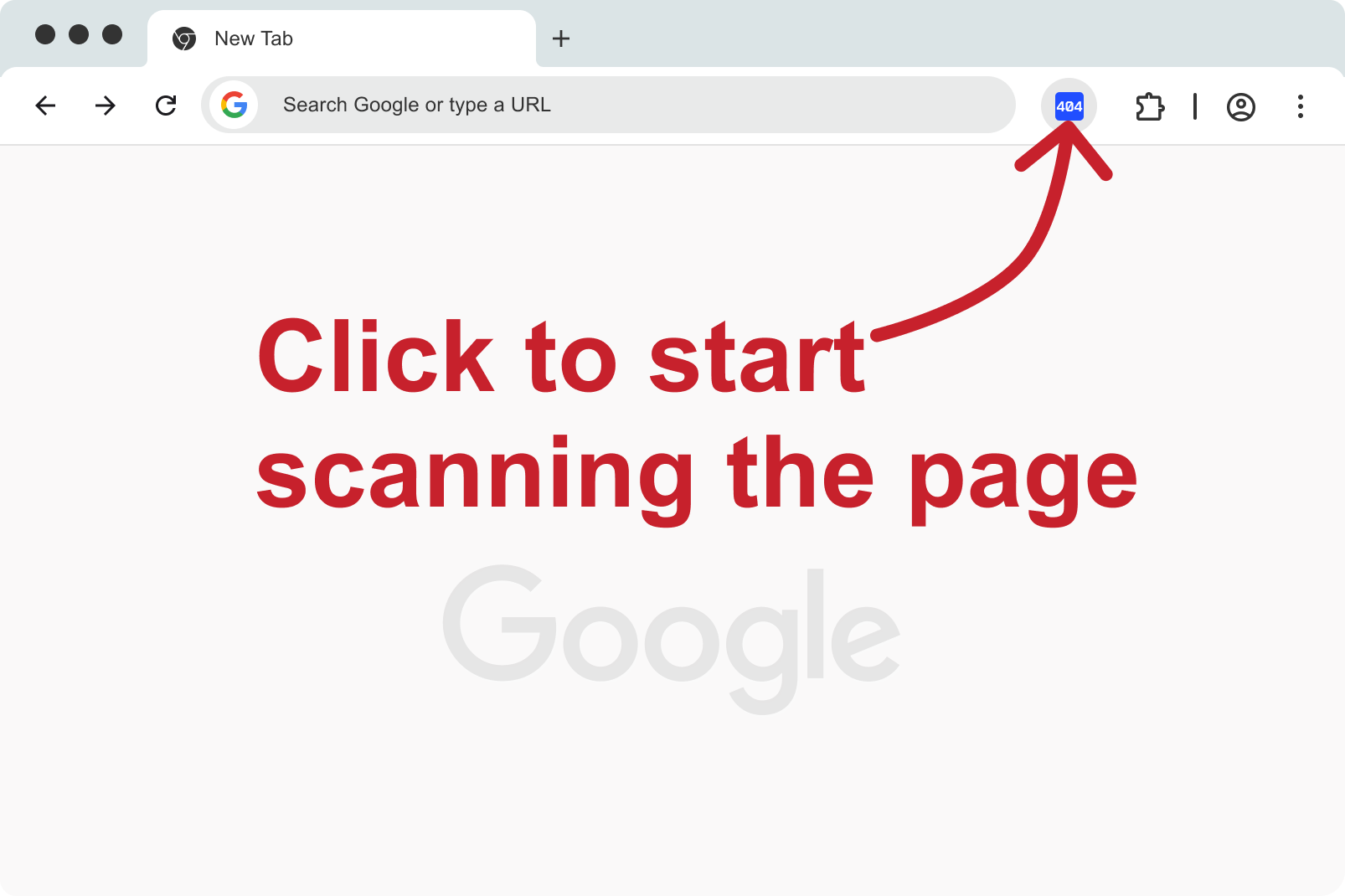
The report lives next to the page. You see the broken link, click it, and land on the element.
Open any page, start the scan, get HTTP status for every link. Pause, resume, or recheck a single URL.
Working, broken, redirected, and insecure HTTP links are color-coded on the page — not only in a list.
src and data-src are checked with the same report. Dead images are a first-class problem, not an afterthought.
See the full hop list and the final URL, so you can point the link straight at the destination.
Follow internal links, read sitemap.xml and robots.txt, keep history, export CSV. Included in the extension today.
Filter by error, redirect, image, or HTTP. Export URL, type, status, and final address for your team.
Free
No trial meter
1 click
To start a check
CSV
Share with developers
Catch dead menu items, expired campaigns, and leftover product URLs after a cleanup.
Verify 404s and redirect chains on the live page, then export a list for the backlog.
Run a pass after a release before the same bug shows up in Search Console a week later.
Highlight broken controls and empty images without writing a crawler script.
Check an article before it goes live — links and pictures, not just spellcheck.
Hand the client a CSV instead of a screenshot of “we looked at it”.
Advanced Broken Links Search is a Chrome extension. Free to use — no account, no three-check trial.
Add to Chrome — freeWorks on any site you can open in Chrome.